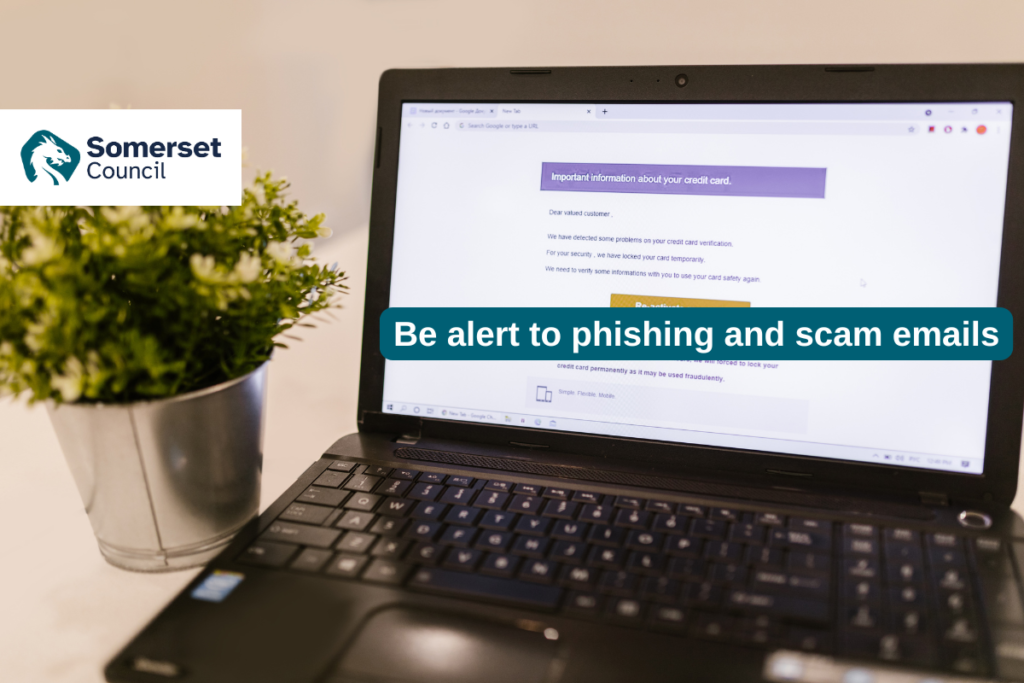
Care providers are being urged to stay vigilant following an increase in phishing and scam emails targeting organisations across the care sector.
Recent reports suggest that some fraudulent messages are making their way into inboxes despite existing security measures, often appearing to come from trusted organisations and including attachments or references to grant funding. Opening these emails or attachments can put systems and sensitive information at risk.
The following guidance explains how to spot suspicious emails and what to do if you receive one.
How can you protect your email and other sensitive accounts?
- Strong passwords. Use a strong, unique password for each important account. The National Cyber Security Centre (NCSC) recommends using three random words to create passwords that are long but memorable. A password manager can also generate and securely store strong passwords for you. Top tips for staying secure online | Three random words | National Cyber Security Centre & Top tips for staying secure online | Managing your passwords | National Cyber Security Centre
- Multi-factor authentication / two-step verification (MFA/2FA). MFA adds an important additional layer of security. Even if somebody obtains your password, they should not be able to access the account without the additional verification step. Enable MFA/2FA wherever it is available. . Top tips for staying secure online | Turn on 2-step verification (2SV) | National Cyber Security Centre
- Where available, passkeys provide a secure passwordless way to sign in using your device, for example through biometrics such as Face ID or a fingerprint, or your device PIN. Passkeys: what you need to know | National Cyber Security Centre
- Phishing awareness. Be cautious about messages that try to persuade you to provide personal information, click a link or open an attachment. Remember that a phishing email may come from the genuine email address of somebody you know if their account has been compromised. Phishing scams: how to spot and report them | National Cyber Security Centre
- Keep devices and software up to date. Ensure operating systems, browsers, email applications and other software are kept up to date and install security updates promptly. Updates often contain important security fixes that help protect devices and accounts from known vulnerabilities. Device security guidance | Infrastructure | Virtual Private Networks (VPNs) | National Cyber Security Centre
What should you do if your email account is hacked?
The National Cyber Security Centre (NCSC) has a detailed guide on recovering your compromised accounts which can be found here – Recovering a hacked account | National Cyber Security Centre
If you have access to IT or cyber security support, alert them as quickly as possible. The NCSC also provides guidance on recovering compromised accounts.
- Contact your account provider. Use the provider’s official website and follow its help or support guidance for recovering the account.
- Check your email account. Check email filters and forwarding rules for anything you do not recognise. An attacker may create rules that send them copies of messages.
- Change your passwords. Change the password for the compromised account and for any other accounts that use the same or a similar password.
- Log all devices and apps out of the account. Once the password has been changed, sign out other devices and active sessions where the service allows you to do so.
- Set up MFA/2FA. If it is not already enabled, turn on multi-factor or two-step verification.
- Update your devices. Install available operating system, application and security updates.
- Notify your contacts. Tell people who may have received messages from the compromised account and advise them to treat recent messages, links and attachments with caution.
- Check bank statements and online shopping accounts. Look for unusual transactions or purchases. Contact your bank directly if you have concerns.
- Contact Report Fraud. If money has been lost, tell your bank and report the incident to Report Fraud.
Want more bespoke support and guidance?
RCPA offers free support to Somerset care providers around data and cyber security.
- Data Security and Protection Toolkit (DSPT). This free toolkit is designed for health and social care and supports organisations to understand the data security arrangements they should have in place and how to complete the assessment.
- Data Security Health Check. These free health checks provide an overview of your organisation’s approach to data and cyber security, helping identify areas for improvement. The process also includes a cyber technical assessment reviewing basic cyber security arrangements.
- Caldicott Guardian Service. This RCPA member service provides additional support with data governance for providers that are unable to appoint a Caldicott Guardian in-house. RCPA’s Dan Plummer can act as your Caldicott Guardian and support complex data-sharing issues.
For advice about email and account security or RCPA’s data and cyber security services, please contact Dan Plummer: daniel.plummer@rcpa.org.uk
Further guidance: National Cyber Security Centre (NCSC) – Recovering hacked accounts. See the accompanying NCSC infographic.